

Send your Media List contacts to Notion
Media List is a database of more than 1.5 million journalists, editors, producers, podcast hosts and creators. Media List for Notion copies a saved list into a Notion database, so your team can sort, filter and track outreach in a workspace it already uses.
Sign in to connect Notion See plansHow it works
- Build and save a list in Media List.
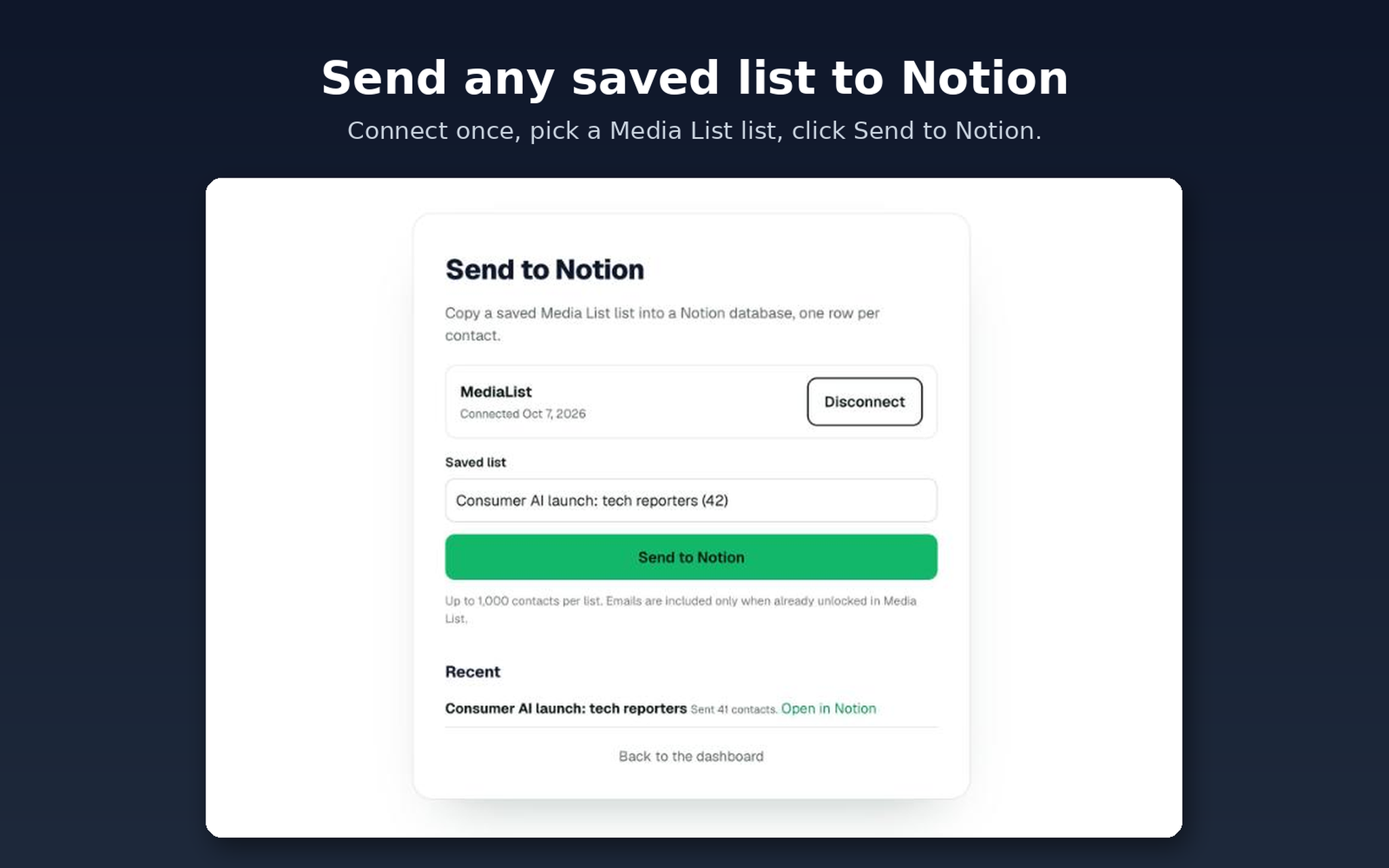
- Open this page while signed in and connect your Notion workspace.
- When Notion asks, choose a page to share with Media List.
- Pick a saved list and click Send. Media List adds a Media List exports page inside the page you shared and puts the new database there.
What lands in Notion
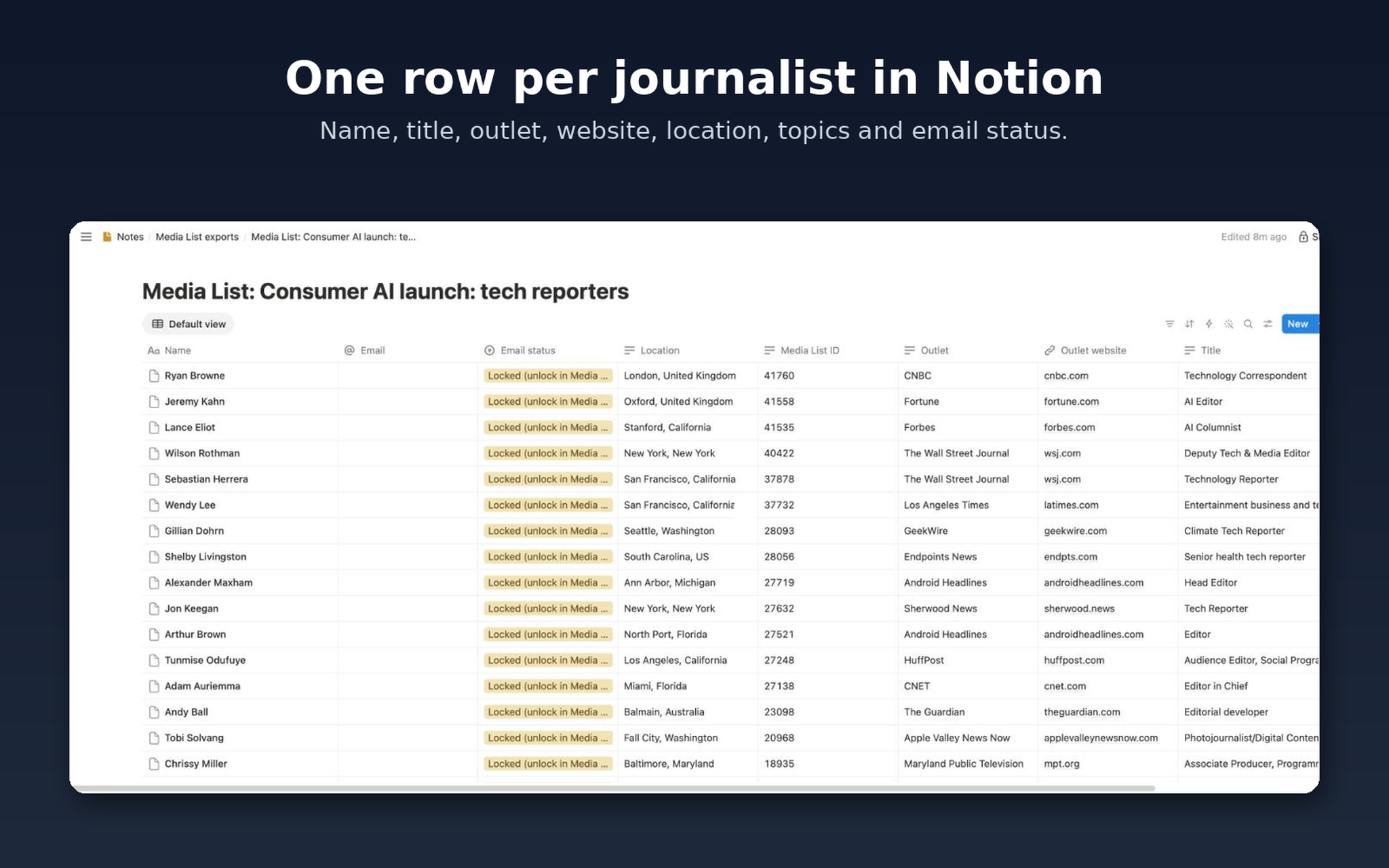
- A Notion database for the list, with one row per contact.
- Columns for name, title, outlet, outlet website, location, type, topics, email status and Media List ID.
- Their email, once you have unlocked it in Media List.
Plans and privacy
Sending lists to Notion needs a Media List plan. Plans start at $99 a month when billed monthly and include a 3-day trial. Starting the trial needs a card or PayPal, and billing begins automatically after the trial unless you cancel before day 3. Media List can only see the Notion pages you choose to share with it. You can disconnect Notion at any time from this page. Read our privacy policy and terms, or write to support@medialist.com.
See all Media List integrations
Sign in to connect Notion