

Send your Media List contacts to Asana
Media List is a database of more than 1.5 million journalists, editors, producers, podcast hosts and creators. Media List for Asana copies any saved list into Asana in one click, so your team can assign pitches, set follow-up dates and track outreach where it already works.
Sign in to connect Asana See plansHow it works
- Build and save a list in Media List.
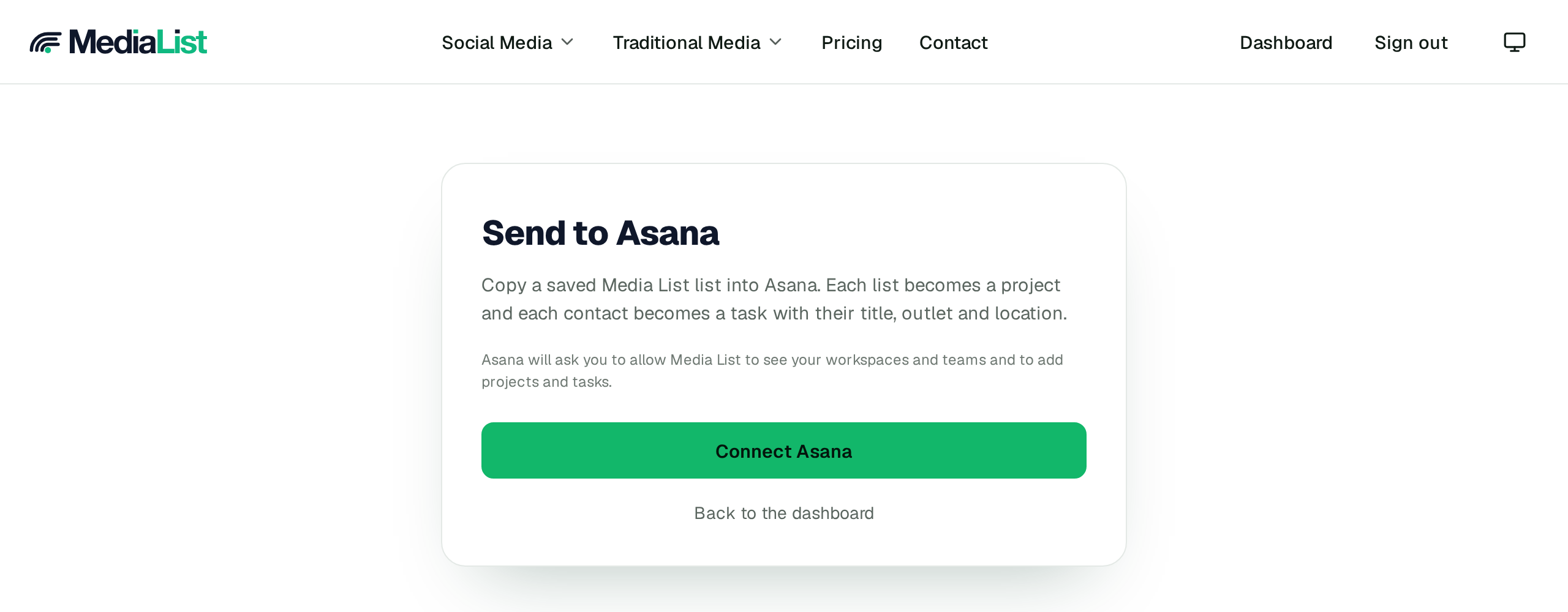
- Open this page while signed in and connect your Asana account.
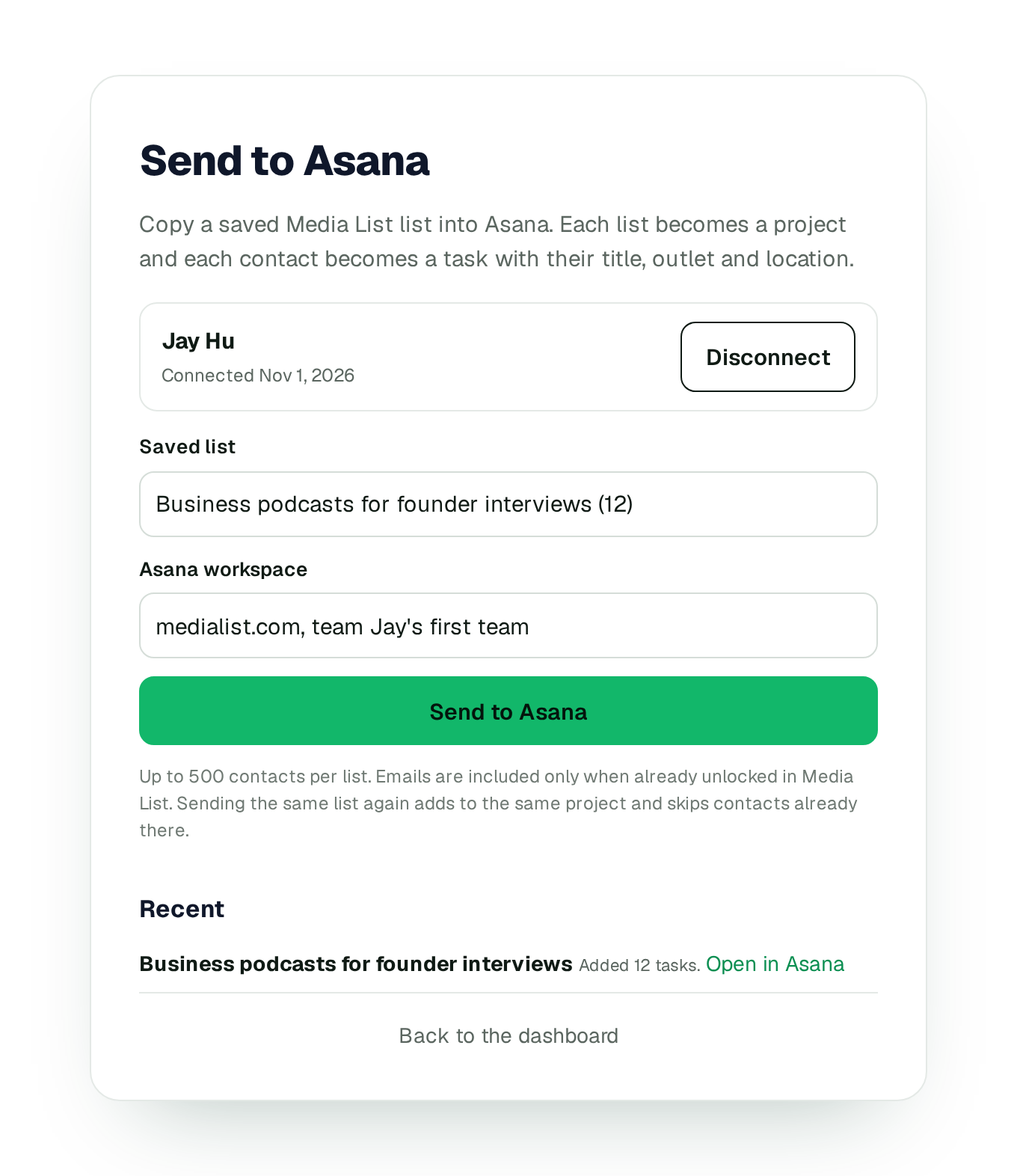
- Choose the list, then the Asana workspace and team.
- Click Send. The list becomes an Asana project and each contact becomes a task.
What lands in Asana
- One project per Media List list, named Media List plus the list name.
- One task per contact, with their title, outlet and location in the task notes.
- Their email in the task, once you have unlocked it in Media List.
- Sending the same list again skips contacts already in the project and adds new ones. If you unlock an email later, the next send fills it in.
Plans and privacy
Sending lists to Asana needs a Media List plan. Plans start at $99 a month when billed monthly and include a 3-day trial. Starting the trial needs a card or PayPal, and billing begins automatically after the trial unless you cancel before day 3. Media List asks Asana for permission to read and write projects and tasks, and to read your workspaces, teams and name, so it can create the project and tasks for you. It only creates and updates items it sent. You can disconnect Asana at any time from this page, and that deletes the access tokens we stored and revokes the connection at Asana. Read our privacy policy and terms, or write to support@medialist.com.
See all Media List integrations
Sign in to connect Asana